Protecting your personal and financial information starts with staying alert. The more familiar you are with common scams and everyday security risks, the easier it becomes to catch warning signs early and respond when something feels off. Here, we cover credit union fraud prevention tactics, financial data security, and steps you can take to help protect your accounts and personal data.
Common Fraud Risks to Watch For
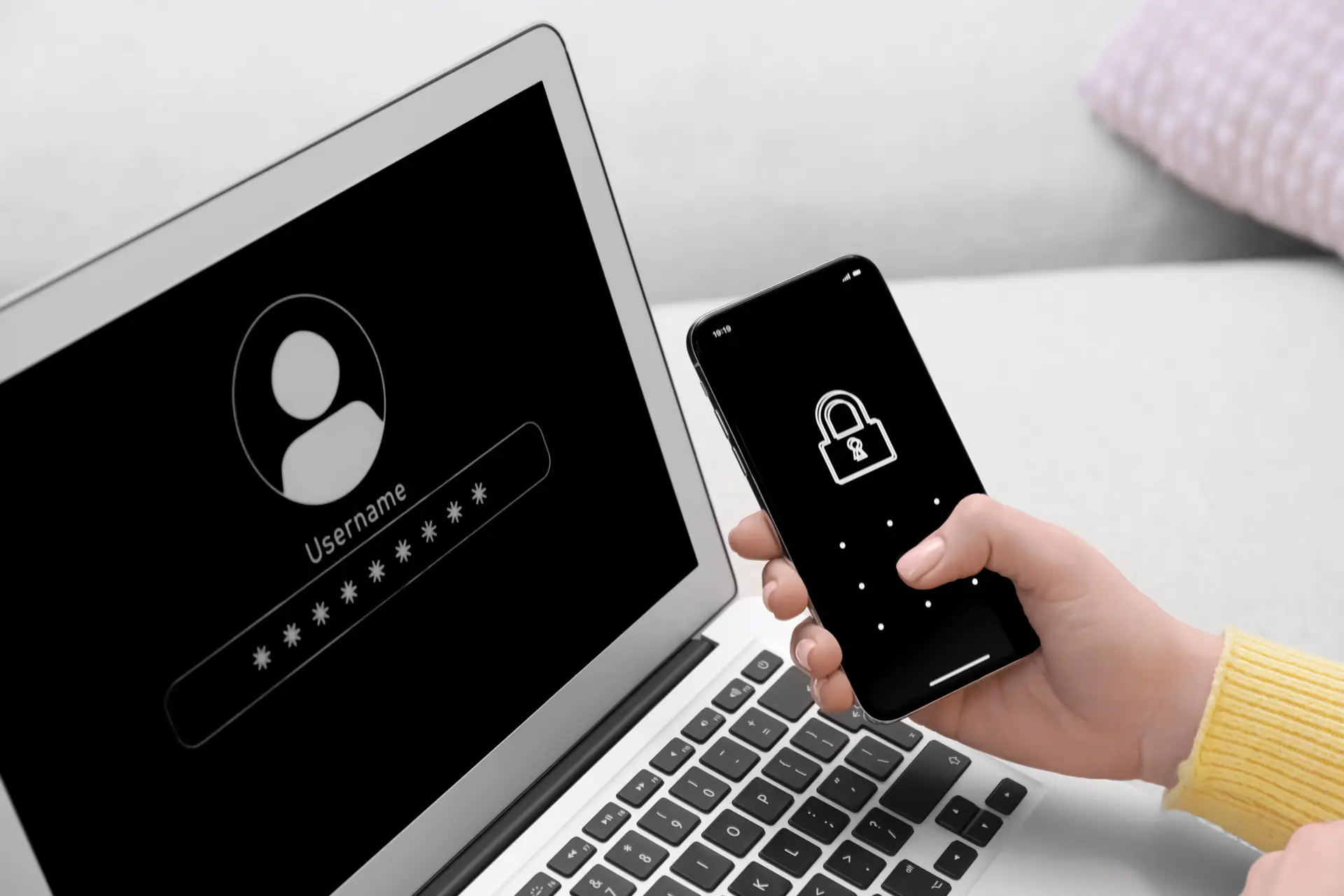
Fraud can show up as:
- Phishing emails
- Fake text alerts
- Impersonation calls
- Account takeover attempts
- Identity theft
- Payment scams
Scammers often try to create urgency so people act before they stop to verify what is happening. The FTC and NCUA both warn consumers to be cautious with unexpected messages, links, and requests for personal or account information.
What To Do Right Away If Something Seems Wrong
If you notice a suspicious transaction, a strange login alert, or a message that doesn’t look right, act quickly. Review recent account activity, change affected passwords, and contact SRFFCU right away. If identity theft may be involved, the FTC directs consumers to IdentityTheft.gov for recovery steps and notes that people may also want to place a fraud alert or credit freeze with the major credit bureaus.

Stay More Alert with Digital Banking Tools
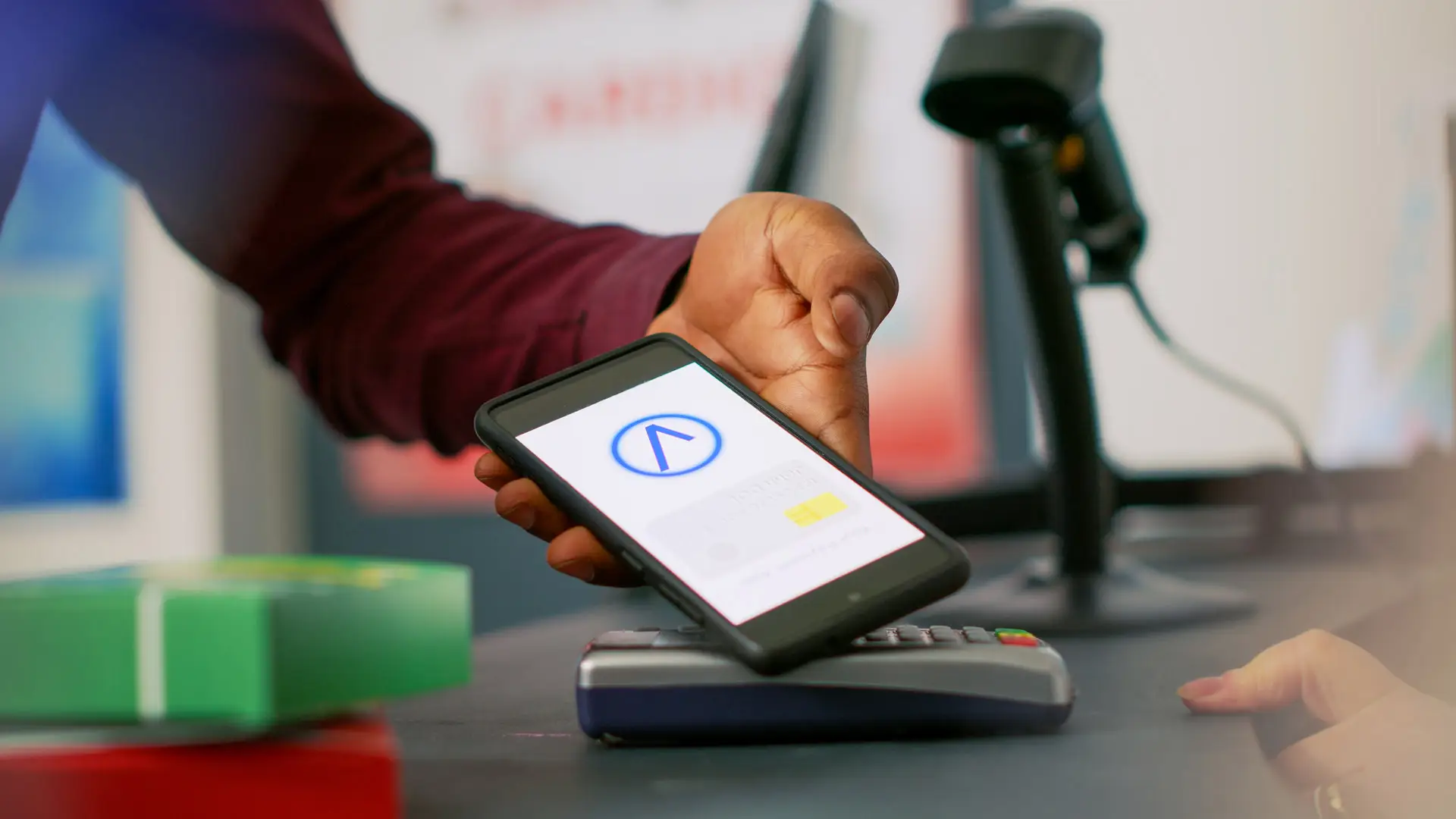
Checking statements and transactions regularly makes it easier to catch suspicious activity sooner. Online and mobile banking gives members access to account activity, balance monitoring, and transaction notifications so unusual activity is easier to spot and report quickly. Enrolling in digital banking and using alerts to monitor transactions and balances more closely helps, too.
12 Ways to Secure Your Devices and Networks
1. Install Antivirus Protection
Use trusted antivirus or security software and keep it current so your devices have an added layer of protection.
Whether you’ve chosen a simple antivirus or a full security suite, you’ll need to renew it every year. Your best bet is to enroll in automatic renewal. With some security products, doing so enables a malware-free guarantee. You can always opt out later if you get the urge to switch to a different product.
One more thing. If your antivirus or security suite doesn’t have protection, consider adding a separate layer of protection. Many ransomware-specific utilities are entirely free, so there’s no reason not to try a few of them and select the one that suits you best.
2. Use Unique Passwords for Every Login
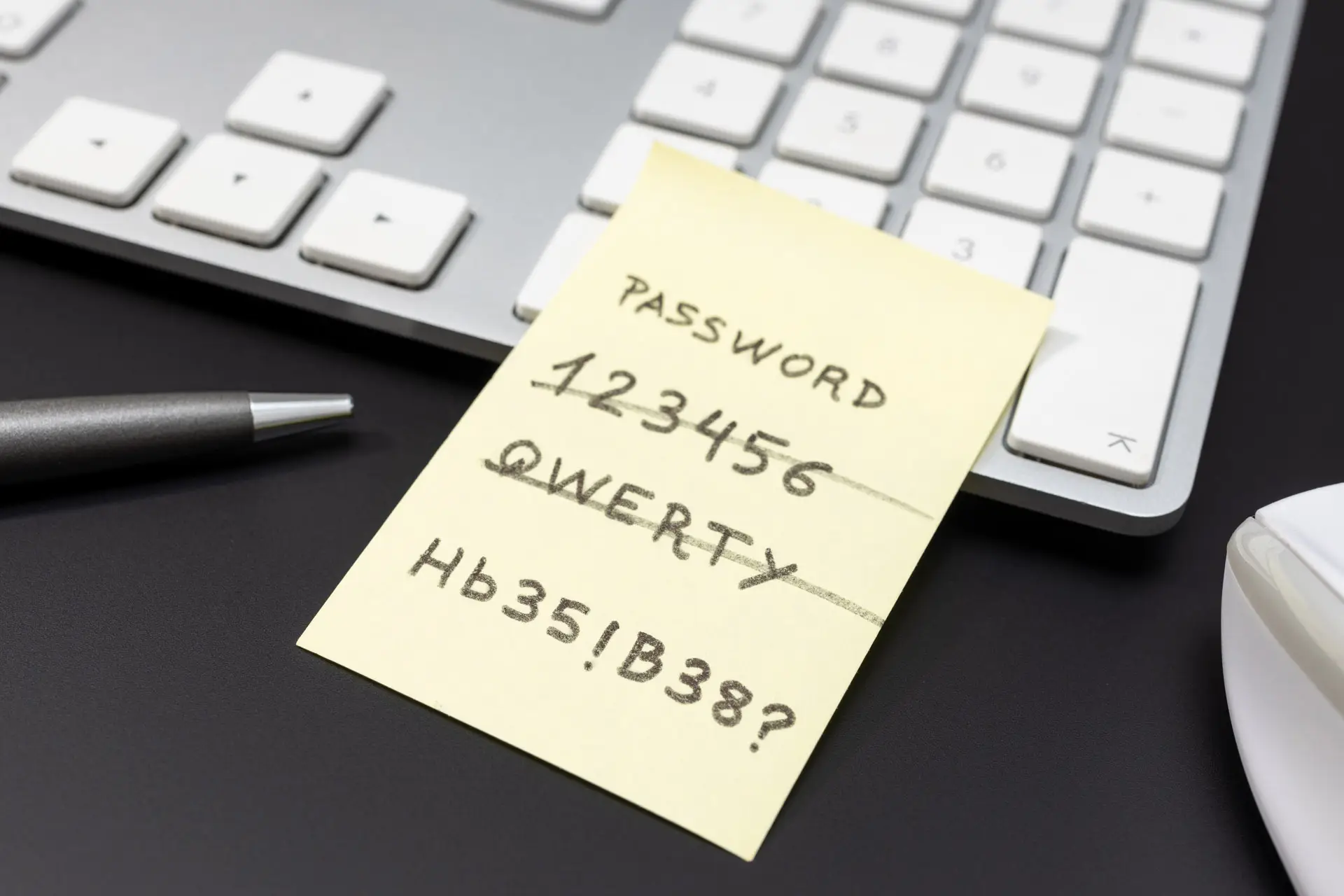
Create a different password for every account. The Cybersecurity and Infrastructure Security Agency (CISA) specifically recommends long, random, unique passwords and points people toward password managers to make that easier.
One of the easiest ways hackers steal information is by getting a batch of username and password combinations from one source and trying those same combinations elsewhere. For example, let’s say hackers got your username and password by hacking an email provider. They might try to log into banking sites or major online stores using the same username and password combination.
Creating a unique and strong password for every account is not a job for a human. That is why you use the random password generator built into your password manager. Several very good password managers are free, and it takes little time to start using one. For-pay password managers generally offer more features, however.
When you use a password manager, the only password you need to remember is the master password that locks the password manager itself. When unlocked, the password manager logs you into your online accounts automatically. That not only helps keep you safer but also increases your efficiency and productivity. You no longer spend time typing your logins or dealing with the time-consuming frustration of resetting a forgotten password.
3. Be Careful on Public Wi-Fi
Avoid signing in to financial accounts or making sensitive transactions on public Wi-Fi unless you are using a secure connection.
Try only using public Wi-Fi to surf the internet and not online shopping or logging into your financial accounts. Public Wi-Fi comes with very few security measures, this means that anyone within the same Wi-Fi network can easily access your data and steal your personal information with ease.
4. Use a VPN When Needed
A VPN can add privacy when you are on a shared or public network by encrypting your traffic.
A VPN encrypts your internet traffic, routing it through a server owned by the VPN company. That means nobody, not even the owner of the free Wi-Fi network, can snoop on your data.
5. Use Secure Mobile Payments
Digital wallet payments reduce card exposure because they rely on device-based protections and tokenized transactions rather than sharing the card number directly each time.
You can set up your smartphone as your primary payment device. It starts by inputting the information about your credit/debit card that you’ll use for payment. How is that better than using the credit card itself? The app generates a one-use authentication code, good for the current transaction only. Even if someone filched that code, it wouldn’t do them any good. And paying with a smartphone app eliminates the possibility of data theft by a credit card skimmer.
6. Turn on Multi-Factor Authentication
MFA adds another layer of protection beyond a password alone. Cybersecurity and Infrastructure Security Agency (CISA) recommends turning it on wherever it’s available.
Multi-Factor authentication is an effective way to improve your website security significantly. It works by requiring a few different login methods to access your data. It means you need to pass another layer of authentication, not just a username and password, to get into your accounts. If the data or personal information in an account is sensitive or valuable, and the account offers multi-factor authentication, you should enable it. Most password managers support multi-factor, though some only require it when they detect a connection from a new device. Enabling Multi-factor authentication for your password manager is a must.
7. Avoid Oversharing on Social Media
Details like birthdays, hometowns, schools, and travel plans can make it easier for scammers to guess answers to security questions or impersonate you.
This is especially crucial if you have your social media accounts open for the public, meaning anyone on the internet views your posts. People tend not to pay attention when posting their location, birthday, hometown, and other personal information. A good suggestion is to keep your social media accounts private and only let people you know view your content. This method dramatically reduces the risk of people misusing your personal information should you accidentally reveal them.
8. Check Whether a Site is Secure
Before entering personal information, look for a secure connection and make sure you are on the correct website, not a lookalike.
Before entering your personal information on a website, make sure that it indeed has an SSL certificate. To find out, you can simply look at the website address in your browser’s search bar.
Check whether there is a green padlock icon, a green bar, or HTTPS at the beginning of the URL.
Other ways to see if the website is secure is to go to their privacy policy, use contact information, or see a verified seal from web security companies.
9. Clear Your Browser Data Regularly
Cookies, saved searches, and browsing history can reveal more than most people realize, especially on shared devices.
Saved cookies, saved searches, and Web history could point to home address, family information, and other personal data. Be sure to delete browser cookies and clear your browser history on a regular basis. It’s easy. In Chrome, Edge, Firefox, Internet Explorer, or Opera, simply press Ctrl+Shift+Del to bring up a dialog that lets you choose which elements of browser data you want to clear.
10. Back Up Important Data
Regular backups can help protect important files if a device is lost, damaged, or hit by malware or ransomware.
To prevent any unwanted loss of valuable data, conducting regular backups can keep your vital information secure.
11. Secure Your Home Wi-Fi Network
Use a strong password, update the router software, and change default settings to make your wireless network harder to access.
Input a password or hide your wireless network from the public. To hide your Wi-Fi network, set up the Service Set Identifier (SSID) and make it invisible to the public. This is because Google Chrome and other web browsers will mark any website without an SSL certificate as potentially harmful.
12. Encrypt Sensitive Data
Encryption helps protect data while it’s stored and while it moves between systems, which makes intercepted information much less useful to attackers.
All that’s left to do is apply these security measures that make it extremely difficult for hackers to get their hands on your data.
Stronger Habits for Everyday Account Security
A few extra habits can make a real difference:
- Review your transactions often: Faster account review means better financial fraud prevention and detection.
- Use alerts: Set up text or email alerts for transactions and balances when available.
- Sign out after banking sessions: Do not stay logged in on shared or public devices.
- Keep software updated: Cybersecurity and Infrastructure Security Agency (CISA) lists software updates as one of the most important baseline protections.
- Protect sensitive information: Non-public personal information includes account numbers, Social Security numbers, card numbers, ACH and EFT information, government-issued ID numbers, and other sensitive financial or employment-related data.
Helpful Resources
IdentityTheft.gov
This site helps people report identity theft and follow step-by-step recovery guidance.
ReportFraud.ftc.gov
Cybersecurity & Infrastructure Security Agency (CISA)
This site offers practical online safety guidance focused on strong passwords, MFA, software updates, and phishing awareness.
NCUA
Consumer-facing resources on scams, fraud prevention, and protecting your money.
Cyber Security Insights from Our Team

When to Contact SRFFCU
Contact Self Reliance Financial Federal Credit Union right away if you notice unfamiliar transactions, a suspicious login, a questionable text or email, or any request for sensitive information that does not feel right. Quick action limits damage and speeds up the investigation process.
Stay One Step Ahead of Fraud
Use the right tools, stay alert to suspicious activity, and reach out quickly when something does not look right. Strong account habits and timely action can make a big difference.